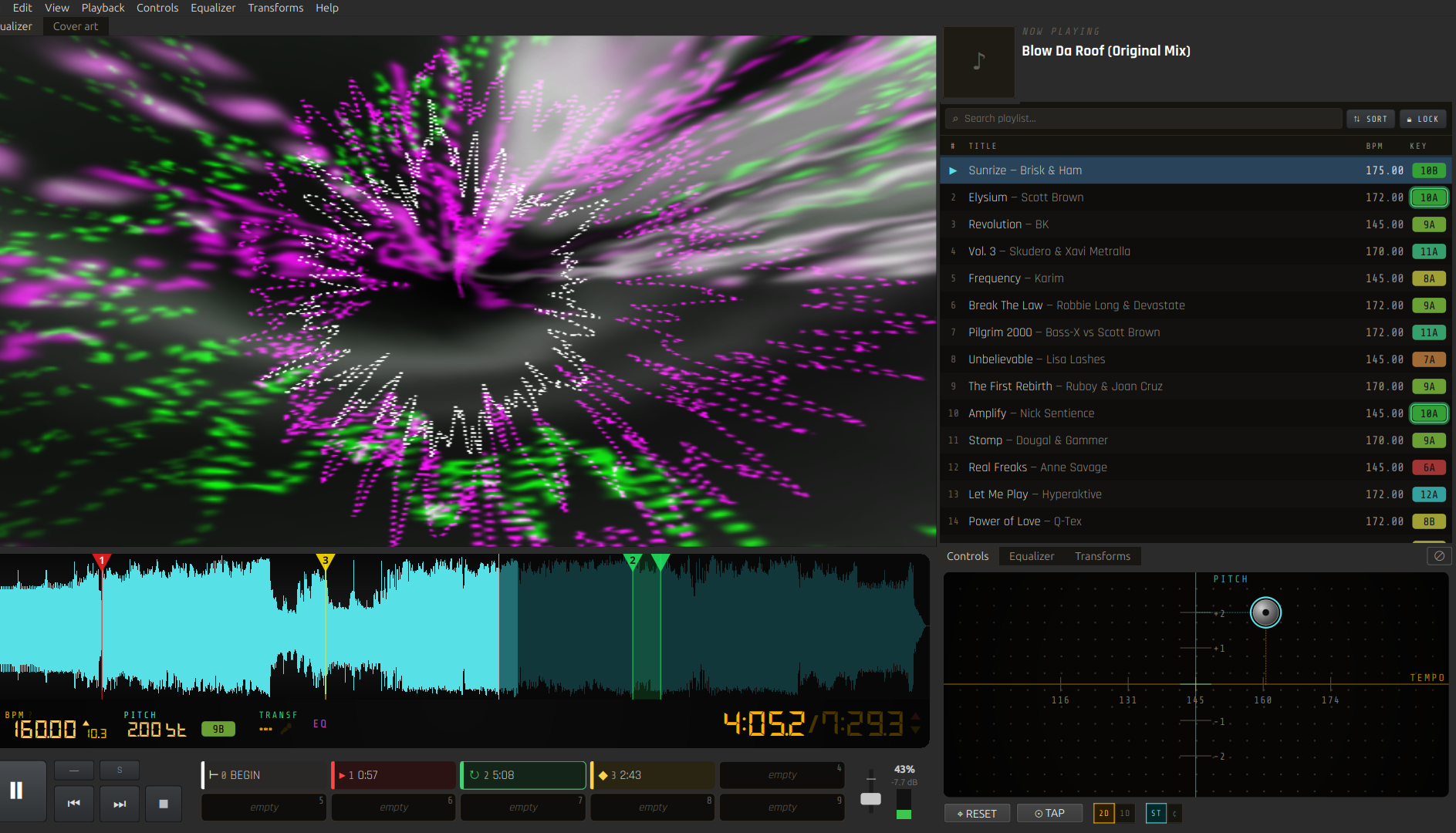
A desktop media player with hands-on, real-time control of playback.
It sits between a normal player and a full DJ app. You open it to play a song and adjust its tempo, pitch, key, groove and structure in real time.
Features
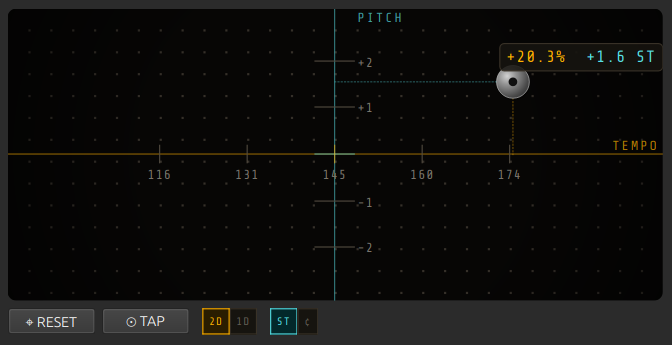
Real-time tempo and pitch, independent shifting
Change tempo and pitch separately or together on a 2D pad, slow a track down without dropping its pitch, or shift the key without touching the speed.
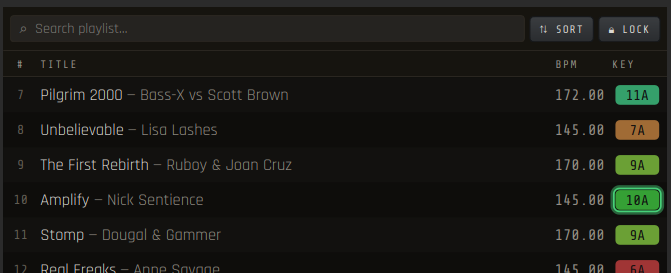
BPM and key detection
Each track gets a tempo and a musical key when it loads. You can sort a playlist by key on the Camelot wheel so tracks that go well together end up next to each other.
Cue points, loops and beatgrid
Mark your favourite moments, loop the best region of your song or just jump over the boring part.
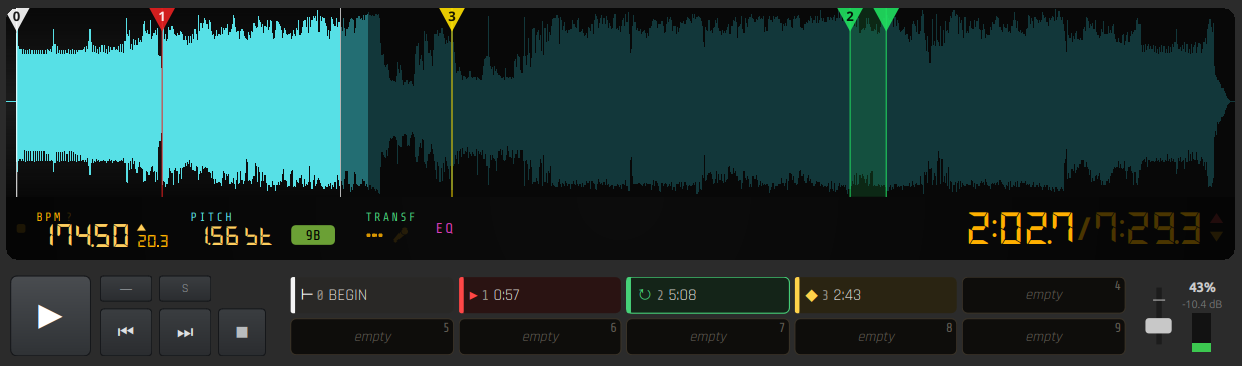
Offline transforms
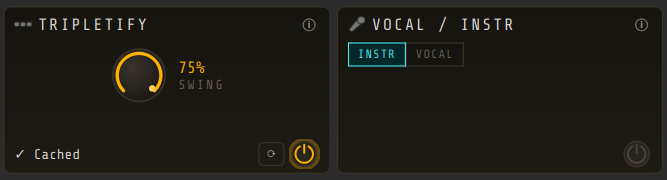
Transforms reshape a whole track offline. Swing retimes it into a triplet feel. Karaoke splits it into a vocal and an instrumental stem.
Karaoke runs offline and downloads a model the first time you use it.
The usual player things too
A 5-band parametric EQ (global or per-track), a master section with meters and a limiter, a visualizer (spectrum and projectM), web playback by pasting a link from popular sites, MPRIS support and accurate seeking.
...And video playback too!